 PDFBirdie
The free PDF editor that keeps your files on your Mac
Edit, sign, merge and compress PDFs. No watermark, no account.

For Mac
Become your PDF's boss.
Every tool you need, right on your Mac.
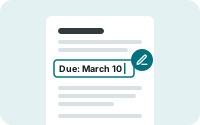 Edit textClick a line and type. The new text matches the font and stays searchable.
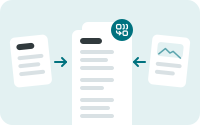 MergeCombine files, reorder pages and keep each file's bookmarks.
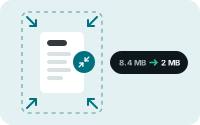 CompressPick a level, or type a target size like 2 MB. Text stays sharp.
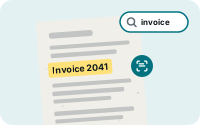 Make scans searchableRecognize the text in scanned pages, right on your Mac.
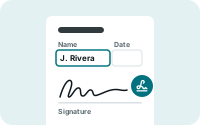 Fill and signFill in any form, save your signature, and build your own fillable forms.
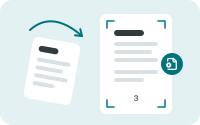 Page toolsRotate, crop white margins, resize to Letter or A4, and add page numbers.
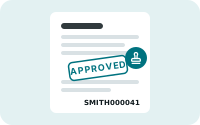 Bates and stampsFor legalNumber every page, add a watermark, or stamp a page Approved.
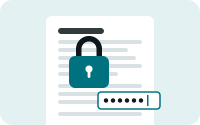 PasswordsLock a PDF with a password, or limit printing and copying.
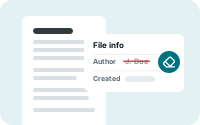 Clean metadataPDFBirdie removes the author name, app name and hidden dates every time you save.
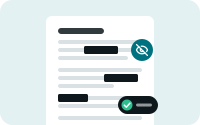 RedactionFor legal & HRRemoves the text and images under each box from the file, then checks the result.
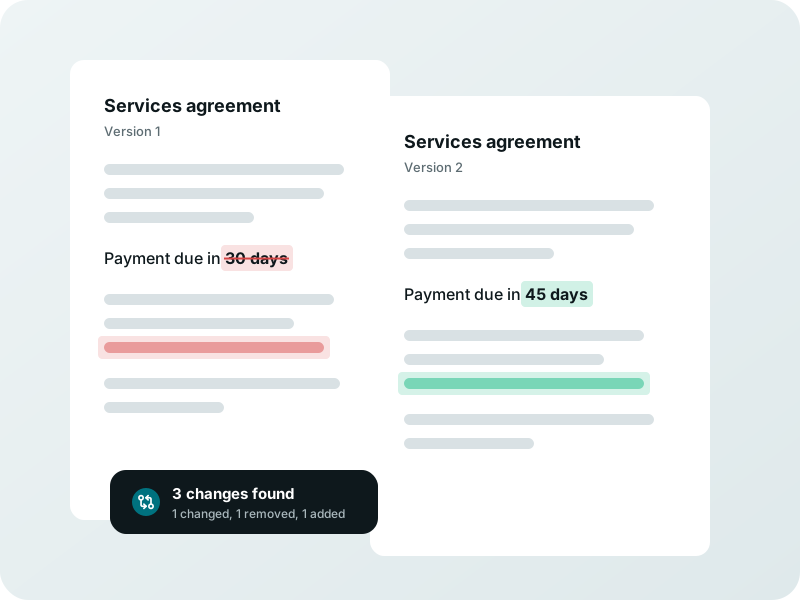
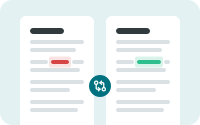 Compare versionsFor contractsSee every word added, removed or changed, side by side.
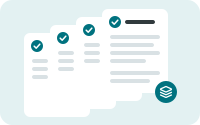 Batch and ShortcutsCompress, merge, OCR, redact or Bates number a whole folder of files in one run, or from Finder.
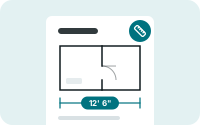 Measure drawingsFor constructionSet a drawing's scale, then measure lengths, perimeters and areas.
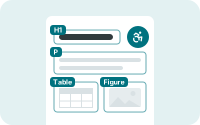 Accessible PDFsFor schoolsTag headings, tables and images so screen readers can follow the document.
 PDF/AFor courtsSave copies in PDF/A-2b, the format courts and records offices ask for.
 Smart card signingFor governmentSign with a digital ID or a CAC or PIV card.
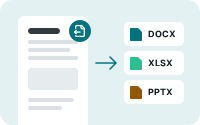 Export to OfficeWord, Excel and PowerPoint. Tables, headings and text come along, even from scans.
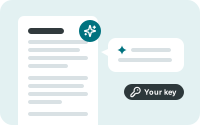 AI with your own keySummarize or ask about a document with your own OpenAI or Anthropic account. Off unless you turn it on.
Every tool is free.
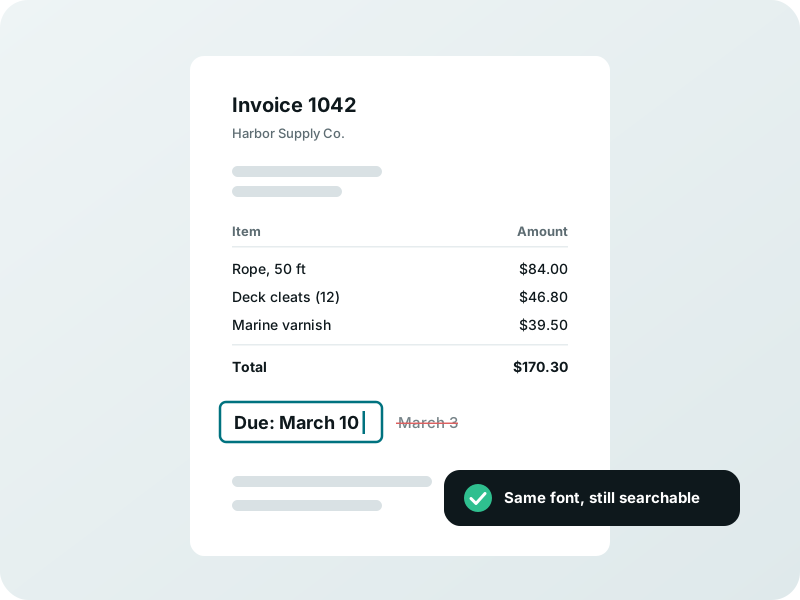
Change the words in any PDF.
Click a line and type. PDFBirdie matches the font, and the text stays searchable.
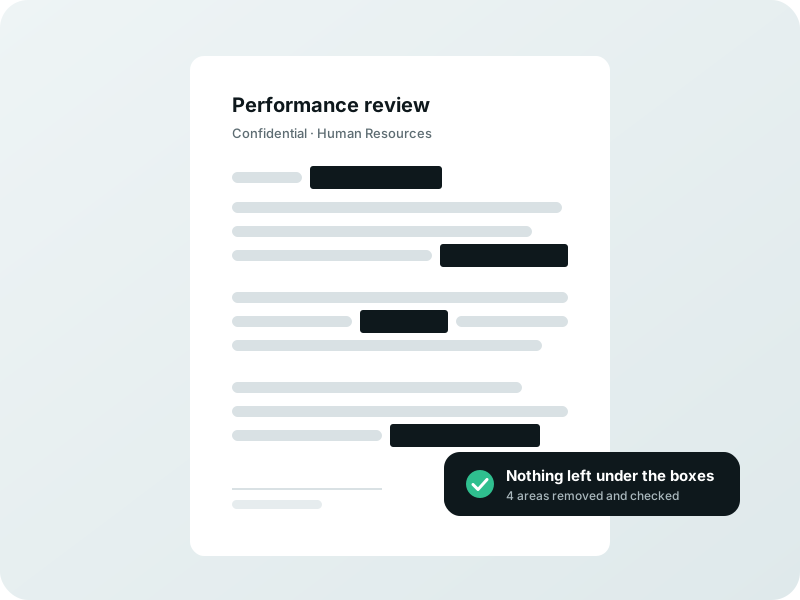
Black it out for good.
Redaction takes the words out of the file, then checks that nothing is left.
See what changed.
Compare two versions, and every added, removed or changed word stands out.
What Preview can't do.
PDFBirdie is free too.
| Preview | PDFBirdie | |
|---|---|---|
| Mark up, sign and fill in forms | ✓ | ✓ |
| Change the text that's already there | — | ✓ |
| Compress to a size you pickPreview has one Reduce File Size option, with no way to choose the size. | — | ✓ |
| Bates numbers and stamps | — | ✓ |
| Find and redact every match, then check itPreview's Redact tool covers one area at a time. | — | ✓ |
| Compare two versions | — | ✓ |
No more *$&% subscriptions.
PDFBirdie is free. Here's what the others charge.
| Price | How you pay | |
|---|---|---|
| PDFBirdie | Free, every feature | — |
| PDF Expert | $139.99Their lifetime plan is Mac only and doesn't include big updates or new features. | Once |
| UPDF | $79.99Sale price. The regular price is $99.99. | Once |
| Adobe Acrobat Pro for teams | $575.76 for 2 yearsTwo years of Adobe's yearly price of $287.88 per license. Adobe has no lifetime price, so you keep paying every year after that. | Every year |
Prices as of October 2026.
Questions
Is PDFBirdie really free?
Yes. Every feature is included, with no watermark, no trial and no account.
Will it always be free?
PDFBirdie is free while we launch. If we add a price later, it'll be a one-time price for new downloads. If you already have PDFBirdie, you keep it.
Does it work offline?
Yes. Everything runs on your Mac, and the app can't connect to the internet at all. The only exception is the optional AI tools, which you have to turn on yourself.
Do you see my files?
No. PDFBirdie has no servers and no accounts, and it collects no data. The App Store privacy label says "Data Not Collected."
Which Mac computers can run it?
Any Mac that runs macOS 26.2 or later.